A
2D replay with team voice
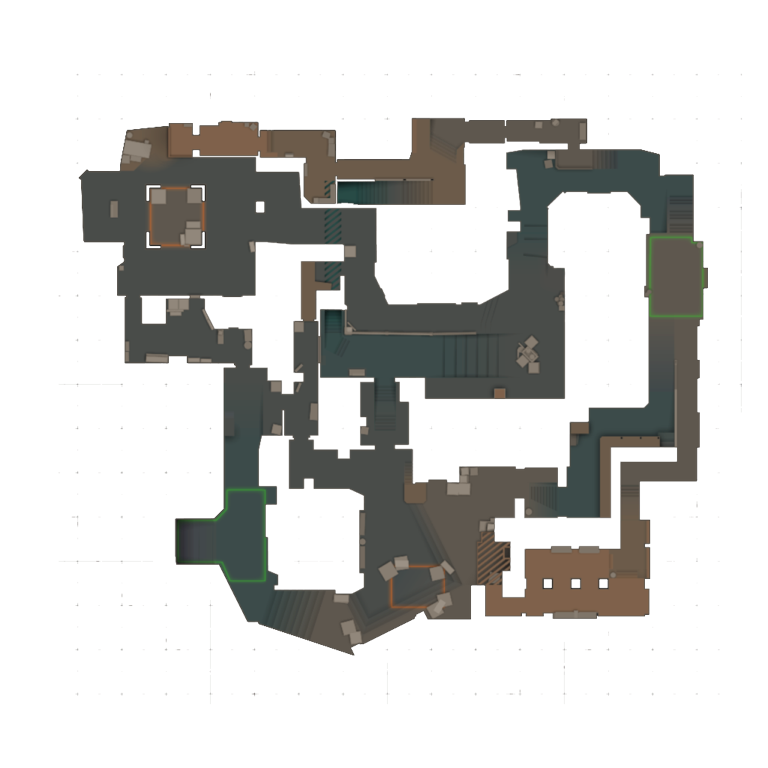
Rounds on the map: positions, utility, kills and the demo's voice chat — hear what your team said at the moment of the mistake.
Upload a .dem file (or a FACEIT demo archive) and in a few minutes get a 2D replay with your team's voice chat and a breakdown of positioning mistakes with concrete tips.
First demo free, then Pro.
The nearest living teammate is far away, no trade, and two enemies in contact at once.
ReplayLab is a web-based CS2 demo analyzer. Upload a .dem file or supported demo archive to watch the match in a 2D replay, inspect a 3D player-eye view, and review positioning, duels, aim and trades. It also supports shared team review, opponent scouting and a ready-made package with a prompt for your own ChatGPT. Your first demo is analysed free, then demo analysis is on the Pro plan; the sample analysis is open without a subscription.
Rounds on the map: positions, utility, kills and the demo's voice chat — hear what your team said at the moment of the mistake.
Isolation, repeat peeks, positions with no trade: what went wrong and what to change. With a “watch the moment” button.
See the moment as the player saw it: line of sight, angles, who could spot whom.
Draw on the map right in the replay and watch the match with your team in a shared room.
.dem from the game (Watch → Your Matches) or download it from a FACEIT match page.or $99 per year — 2 months free
7 days free on the monthly plan, cancel anytime
Prices exclude tax: VAT or sales tax is added at checkout depending on your country. Payments are accepted by Paddle.com, the Merchant of Record. Cancel anytime; refunds within 14 days (Refund Policy).
Your first demo is analysed free, in full. After that, demo analysis is on the Pro plan (up to 20 demos a day). Without a subscription you keep the sample analysis and matches already analysed.
Only you can see your matches — and your team, if you join one.